simpler
Find your look.
14 ready-made looks (LUTs), from film to cinema to clean architecture, with previews of your own framing and favourites; import your own .cube files.
Set exposure and white balance, then preview a cinematic LUT on your own shot. Fine-tune shadows and highlights, or add grain, bloom and vignetting without recalculating the render.
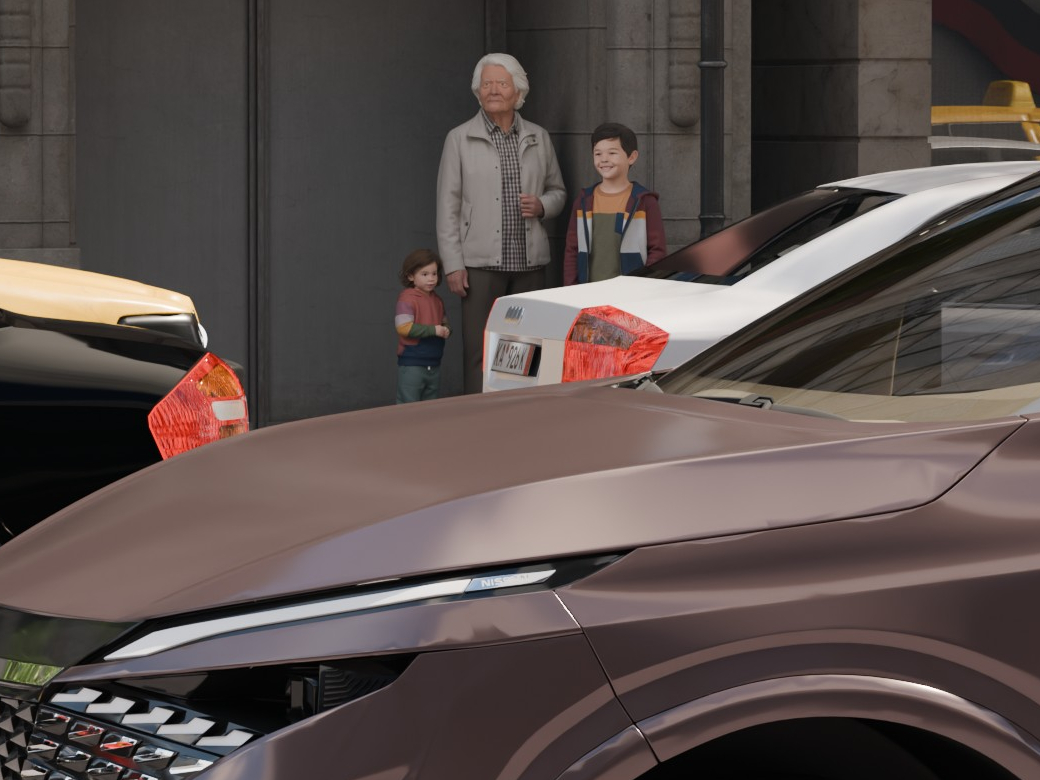
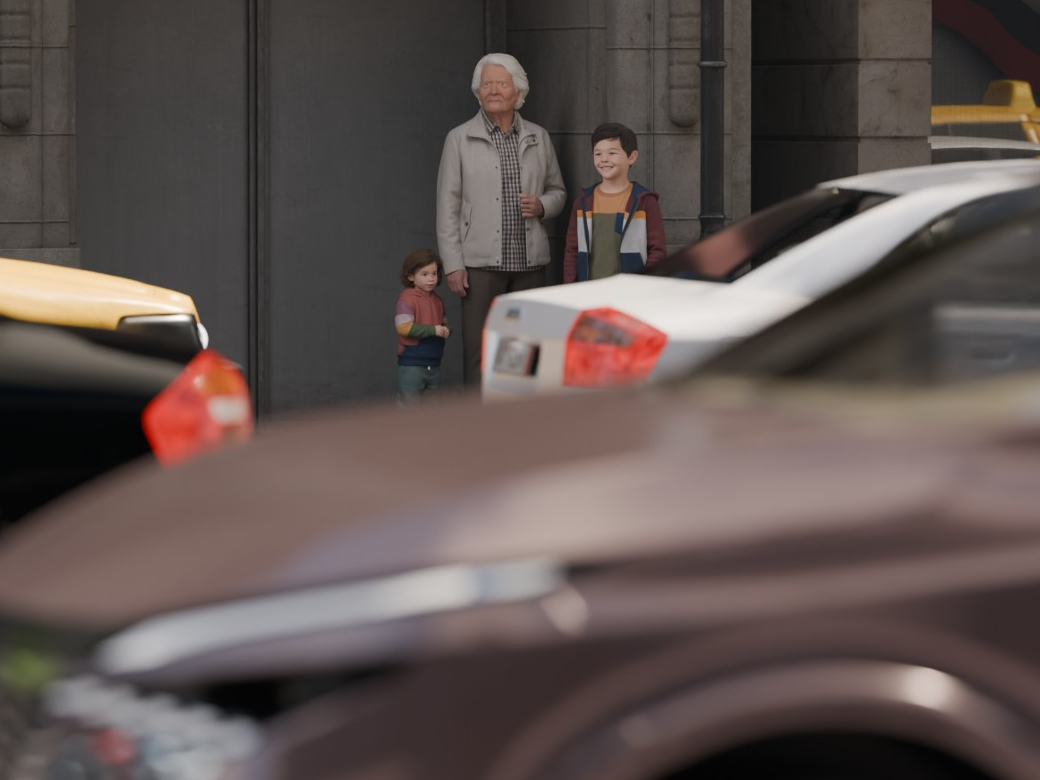
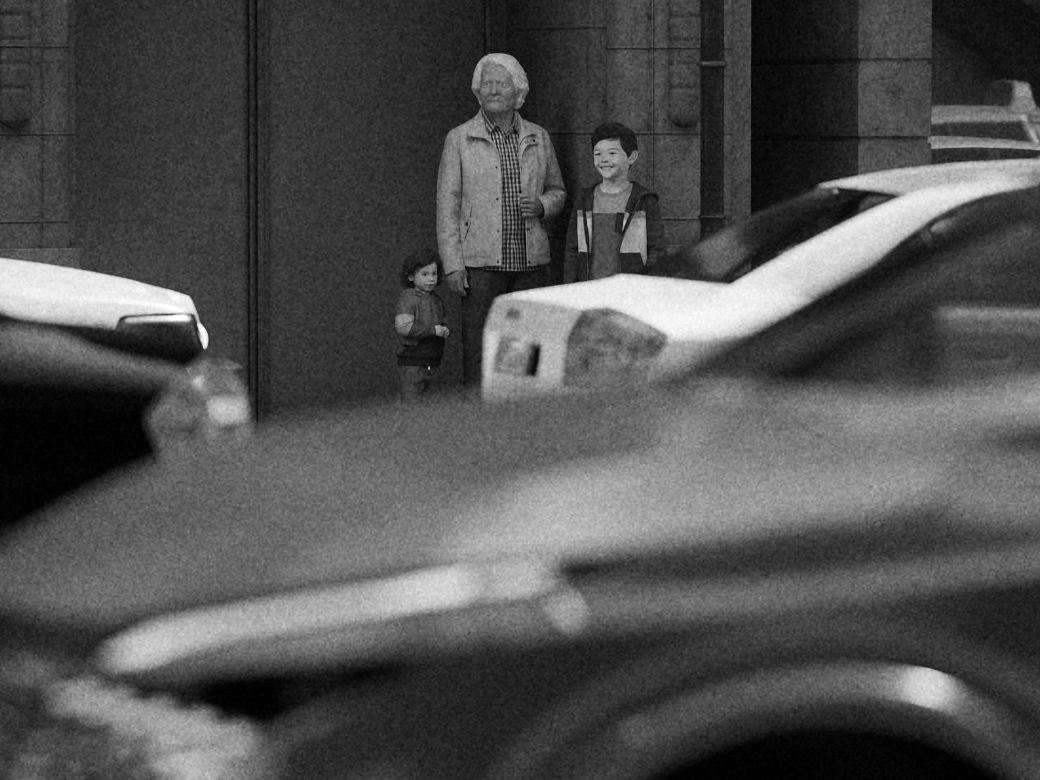
Compare the same scene without depth of field and with selective focus on the people behind the cars. The third image keeps that focus and adds black and white with vintage film grain.
14 ready-made looks (LUTs), from film to cinema to clean architecture, with previews of your own framing and favourites; import your own .cube files.
Contrast, saturation, temperature and tint; exposure, "Lift shadows" and "Recover highlights" as in photography.
Bloom, vignetting, chromatic aberration, grain and sharpness: the same in the view, in path tracing and in a 4K render.
Focal length from 10 to 400 mm, depth of field with one-click focus, corrected verticals, formats from 16:9 to A4.
"Save image" straight from the view: the path tracing reached so far or the real-time view, at full resolution.
Final render in a separate process, with actual time, peak video memory and RAM. And while it renders, the Simpler logo looks around.
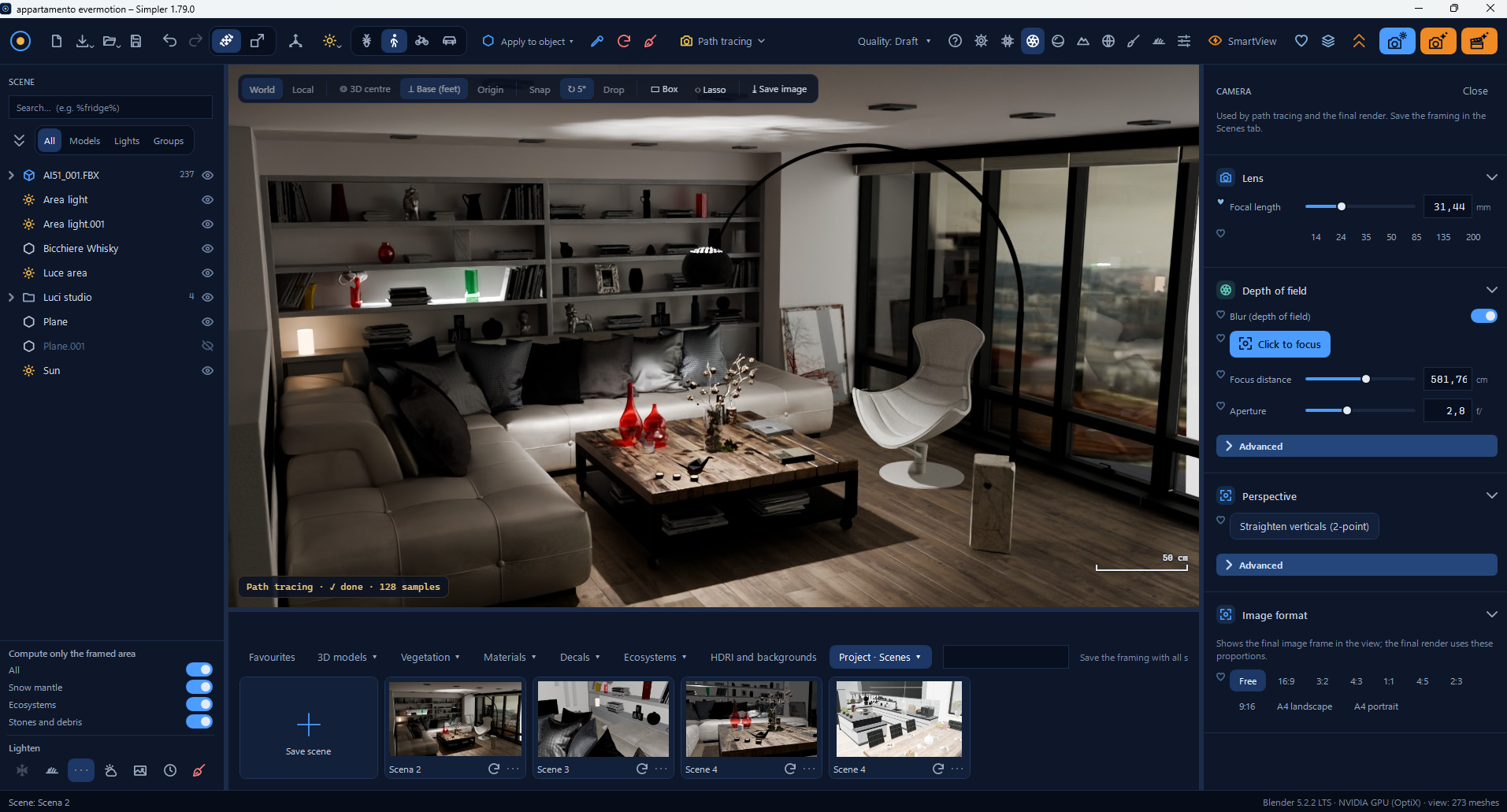
Click a point in the scene to set focus, or adjust the focus distance and aperture in the Camera panel. The screenshot also shows the lens, perspective and image format controls.