 simpler
Scatter freely.
Three modes: Brush (you paint), Area (draw an outline and fill it), Spacing (along a line: parked cars, avenue trees, street lamps).
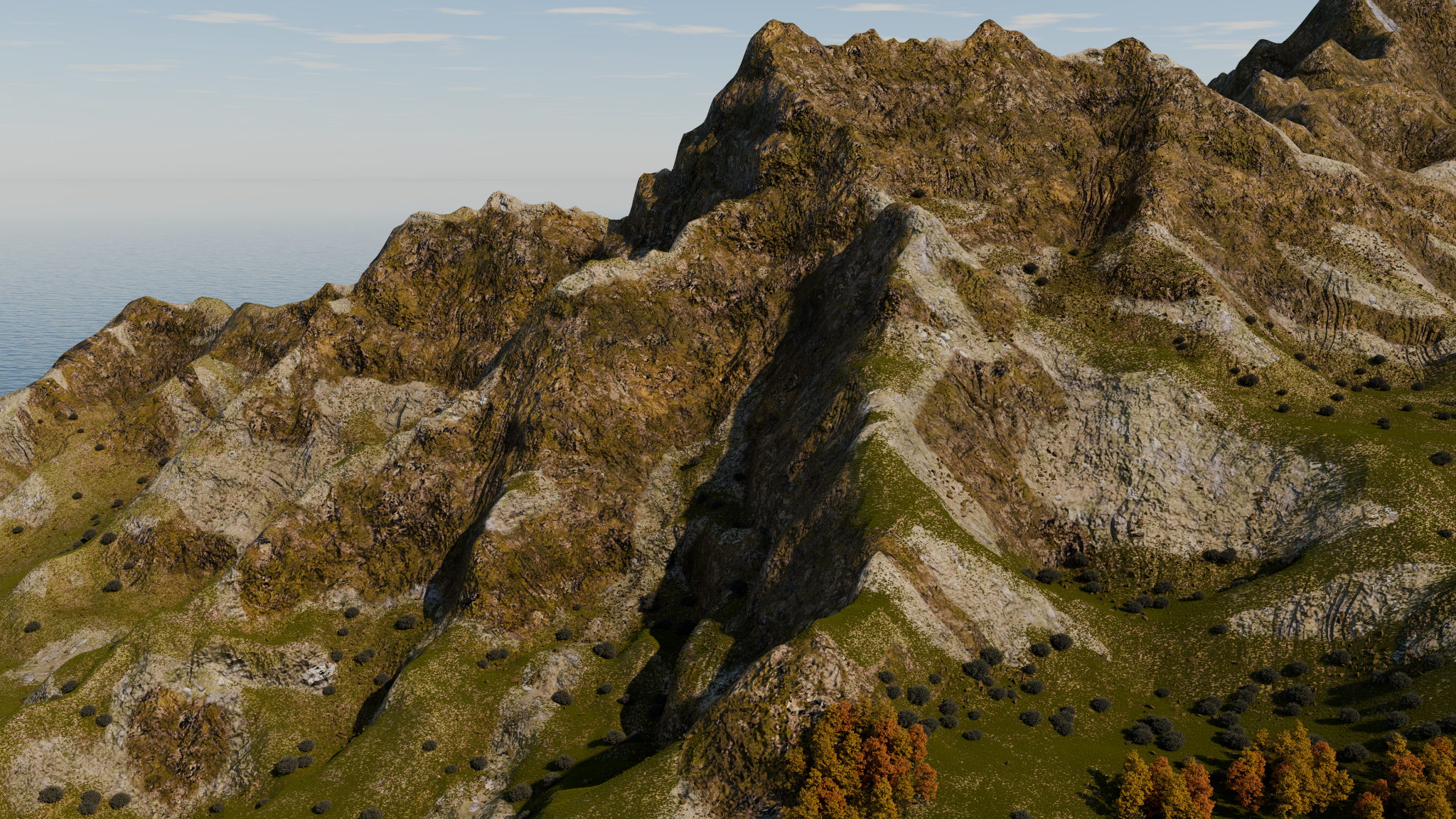
Sculpt hills and valleys with a brush and use 3D relief to give steep rock faces ledges and gullies. Assign grass, rock and snow by terrain zone, then scatter stones and vegetation with Brush, Area or Spacing.
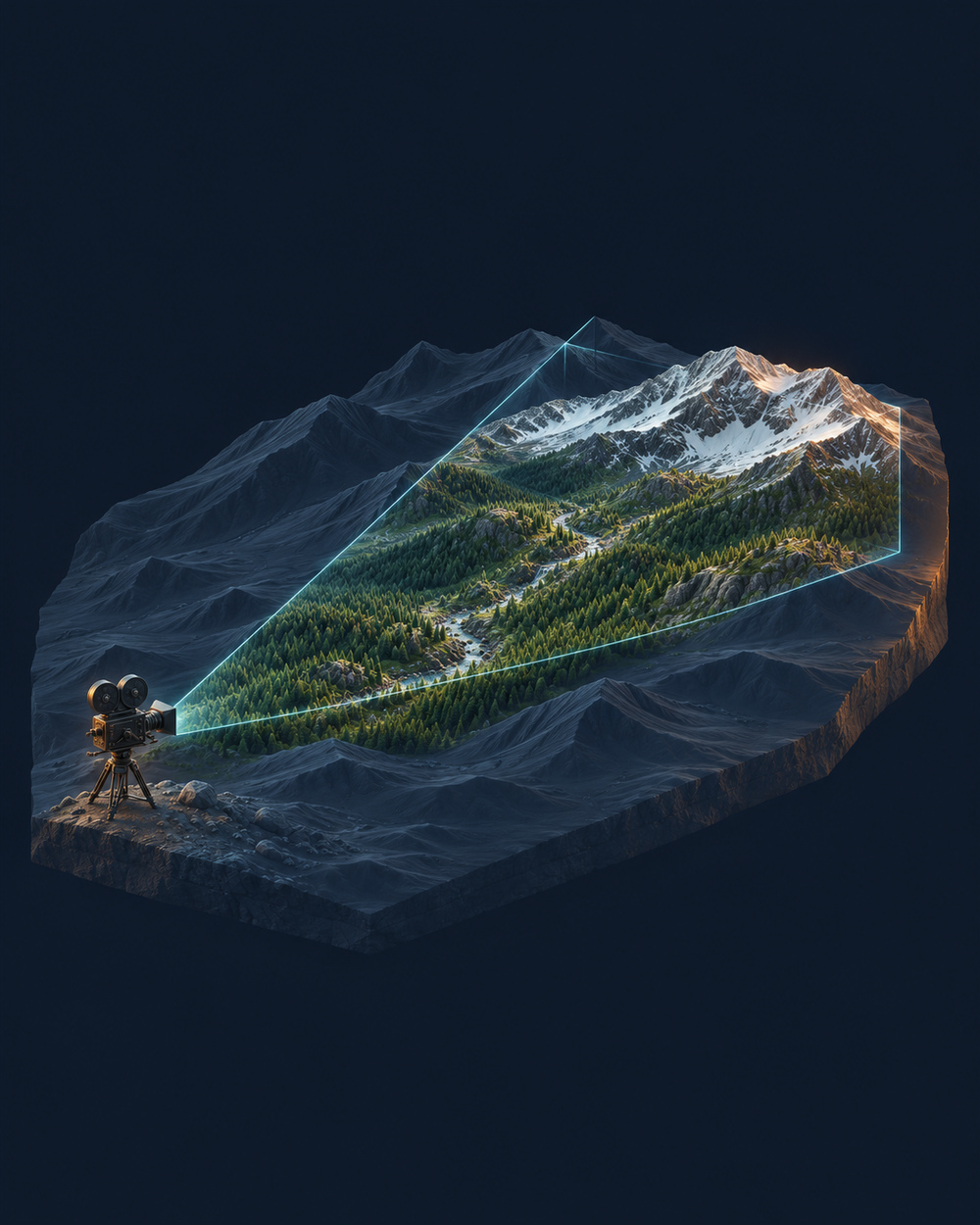
Snow and ecosystems focus on the area covered by the camera. Distribution dynamically follows the framing, avoiding instances outside the field of view: less geometry to manage and more resources for what appears in the image.
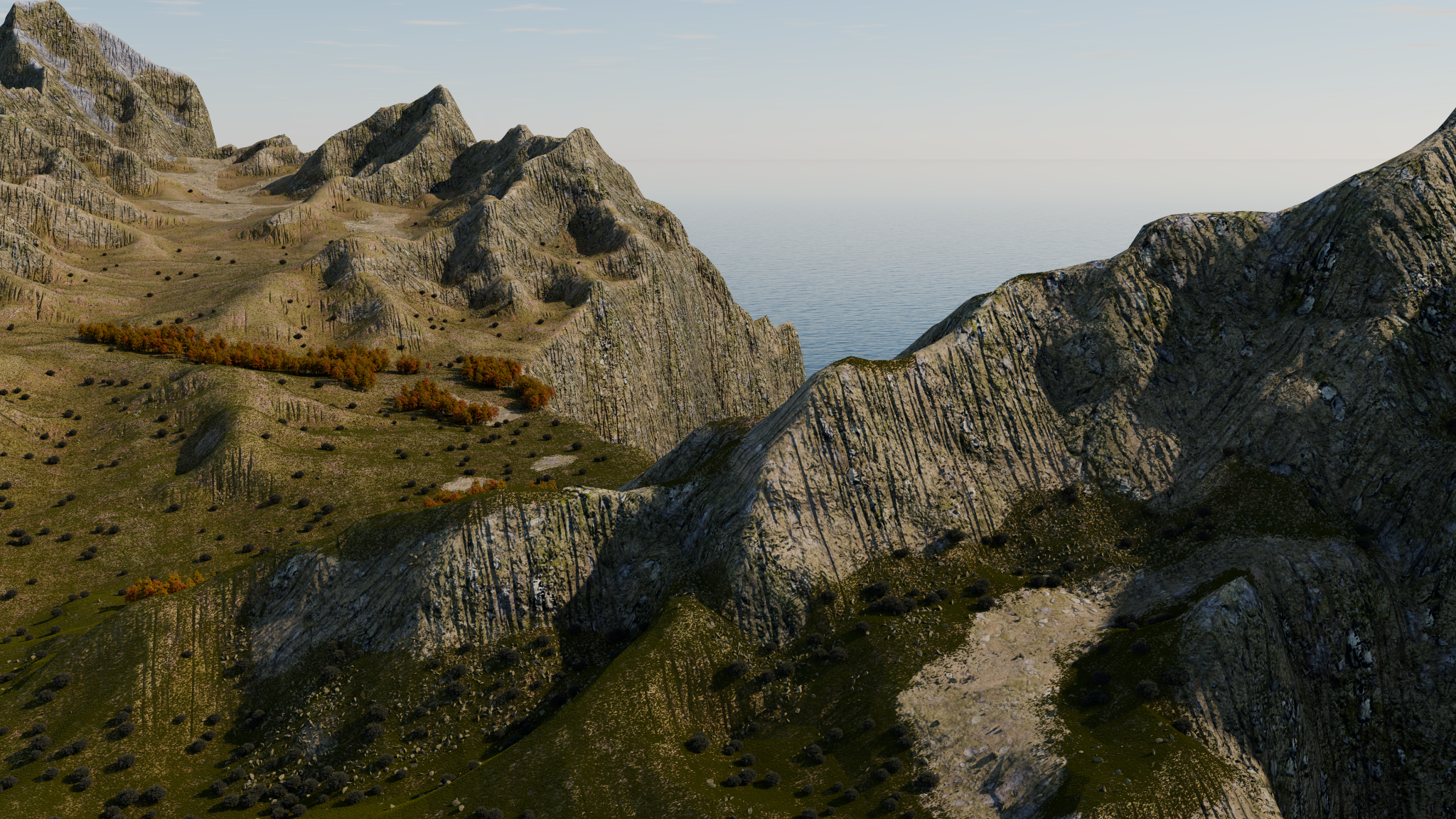
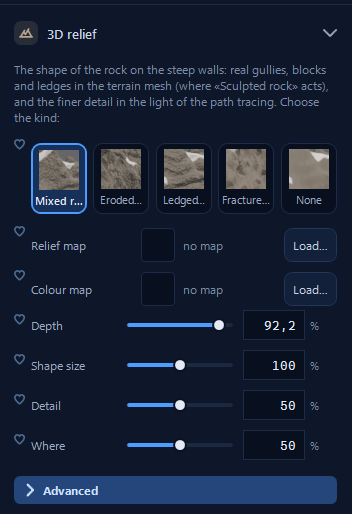
3D relief reshapes the terrain mesh on steep slopes. Gullies, blocks and ledges protrude from the surface and cast real shadows. Choose mixed, eroded, ledged or fractured rock profiles. Adjust the depth, scale, detail and placement of the relief, or load your own relief map.
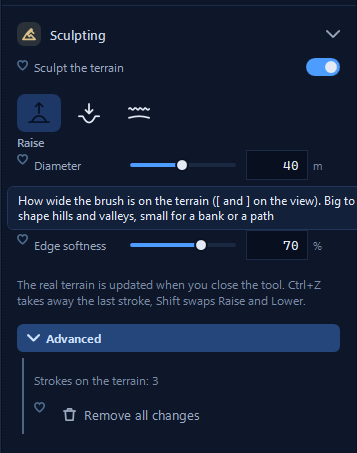
Raise or lower the ground with a brush. Use a wide brush for hills and valleys, or a narrow one for a bank or path. Adjust edge softness to blend the changes into the surrounding terrain.
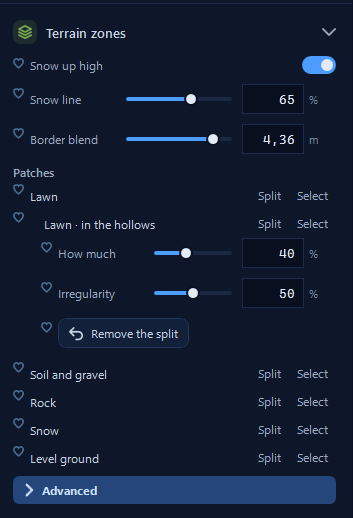
Distribute grass, soil and gravel, rock, and snow. Set the snow line and blend the boundaries between zones. Split a zone to introduce local variation, such as grass in hollows.
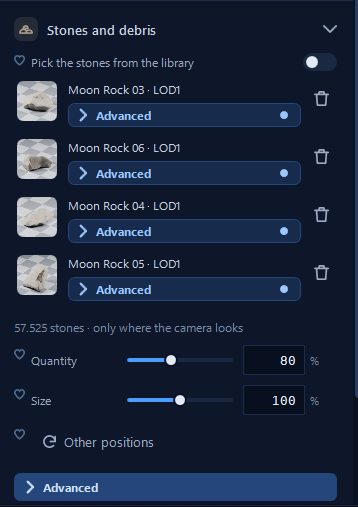
Pick stones from the library and adjust their quantity, size and placement. Limit distribution to the camera frame to put detail where it will be seen.
Three modes: Brush (you paint), Area (draw an outline and fill it), Spacing (along a line: parked cars, avenue trees, street lamps).
For each model: its own presence, scale and rotation, fixed and random. Free Poly Haven models go straight into the brush.
Ecosystems: a 20 or 50 m test plot, a path-traced thumbnail, drag onto an object or only onto its material (the lawn and not the path).
Only where the camera looks: pieces only in the frame, never behind buildings and trees already in the scene; one click redoes them when you move the view.
The ecosystem follows its object: move, turn or copy it, and the vegetation goes with it.
Density, scale and "Another arrangement" in one panel; a memory estimate before huge scenes.
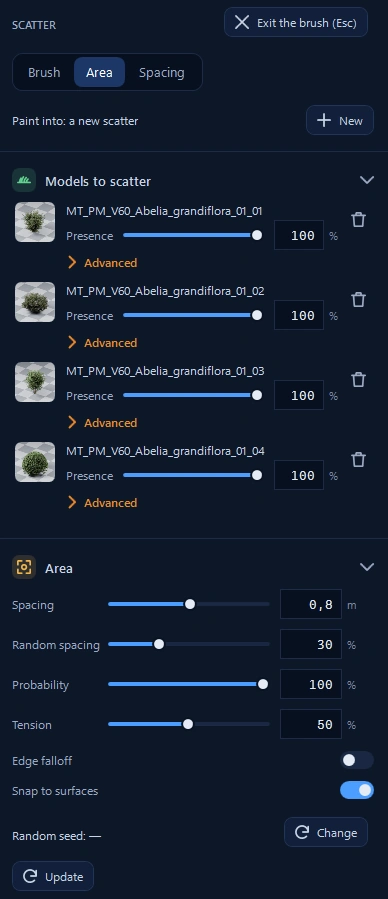
Use Brush, Area and Spacing to arrange models. Balance their presence and adjust spacing and randomness to give the landscape rhythm.
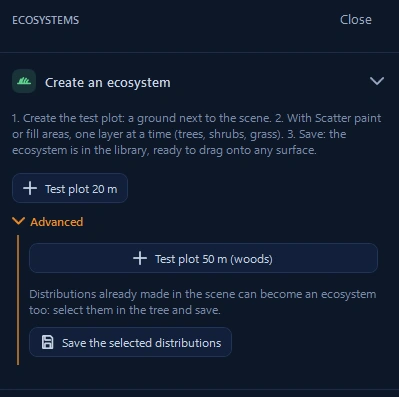
Create a test patch, compose layers with Scatter and save the ecosystem. It is ready to drag onto another terrain.