 simpler
Set up, then recompute.
SmartView: one button and you set up the scene without waiting. Insert, move and change materials; Simpler recomputes everything just once when you turn it off.
Arrange dense scenes with SmartView and recompute after your edits. Limit snow and ecosystem distribution to the camera frame, and temporarily hide heavier effects with Lighten while you work.
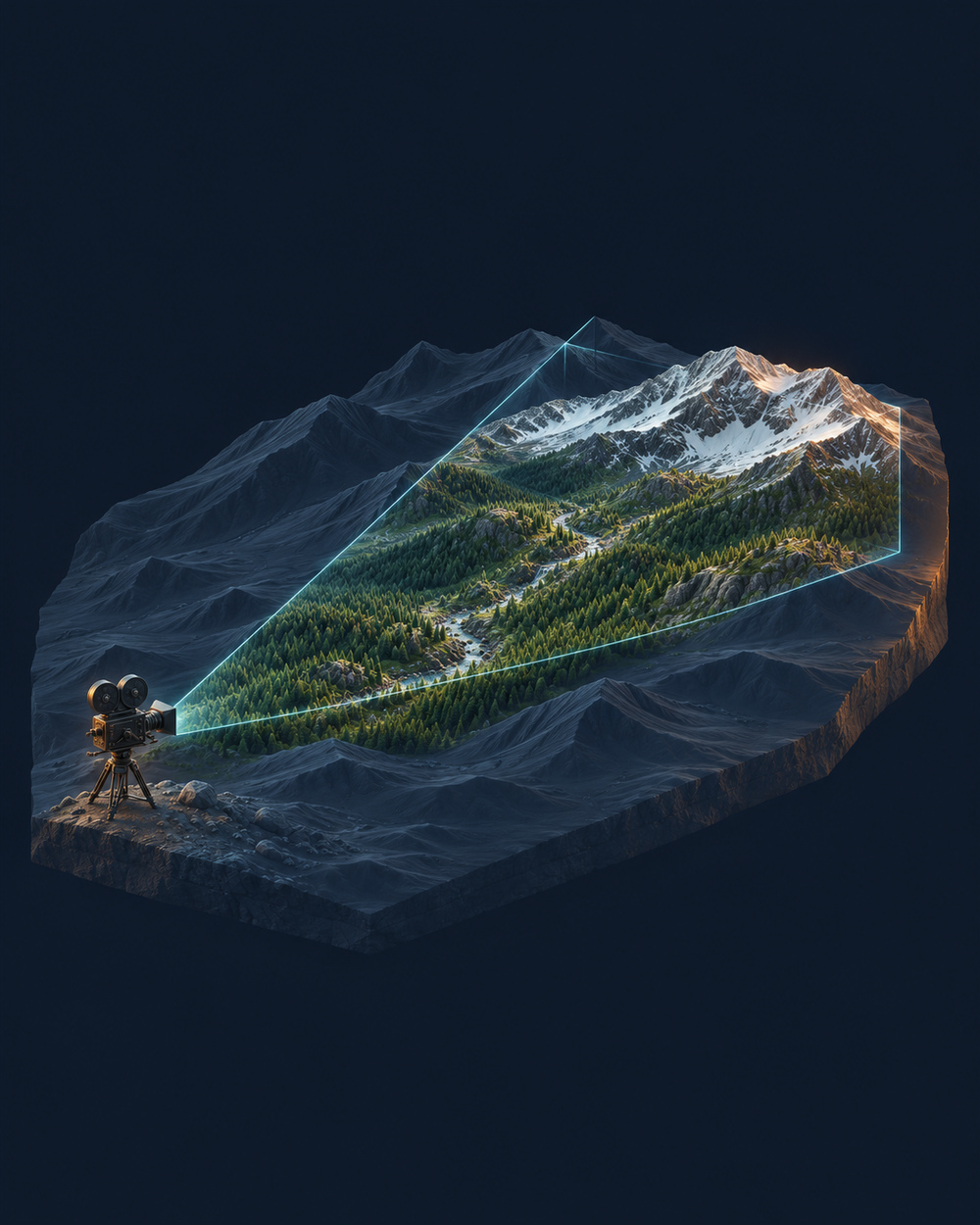
Snow and ecosystems focus on the area covered by the camera. Distribution dynamically follows the framing, avoiding instances outside the field of view: less geometry to manage and more resources for what appears in the image.
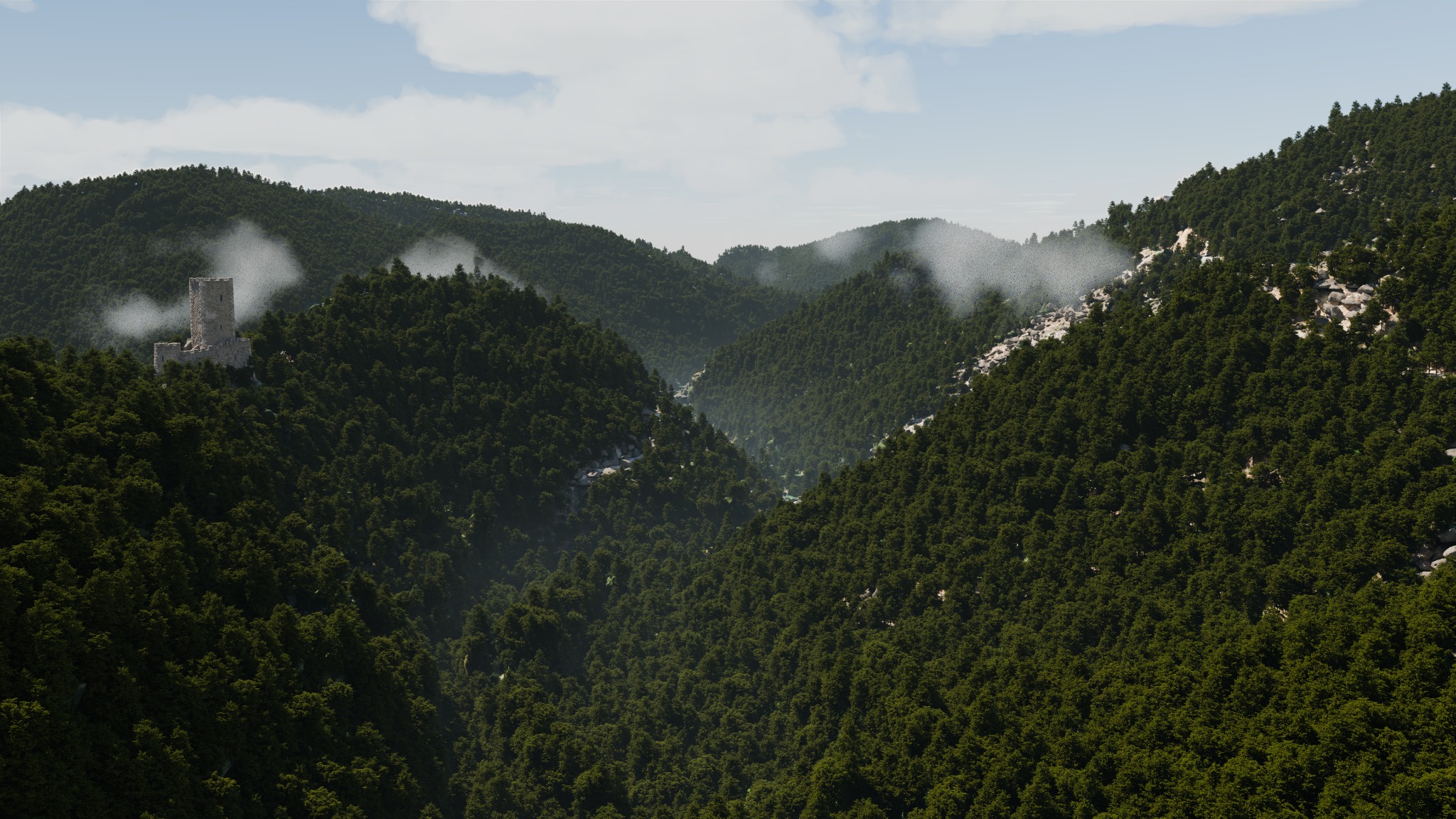
SmartView: one button and you set up the scene without waiting. Insert, move and change materials; Simpler recomputes everything just once when you turn it off.
"Compute only the framed area": snow and ecosystems with detail where you look, much lighter.
"Lighten": hide distributions, snowflakes and shadows, half resolution, paused recomputing, memory freed in one click.
Instances and automatic levels of detail: thousands of copies cost very little; selecting even a heavy car is instant.
Limits worked out from your PC's free memory, with an estimate before every heavy operation: the computer does not freeze. The "Busy" box always tells you what it is doing.
The final render runs in a separate process and can be cancelled; autosave every 10, 20 or 30 minutes and recovery after a crash.
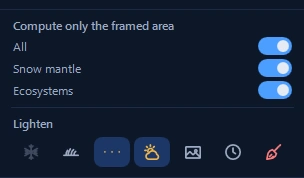
Compute snow and ecosystems only within the frame. Use Lighten to manage heavier elements while you set up the scene.