simpler
Character in every surface.
Colour, roughness, metal, bump, glass, sheen, subsurface, emission, opacity; Standard, Water, Displacement and Volumetric types.
Adjust colour, roughness, metal and relief in the material editor and inspect the result with path tracing. Paint dirt where you need it, give glass and gems a dispersion effect, or use volumetric materials for smoke and fog.
Colour, roughness, metal, bump, glass, sheen, subsurface, emission, opacity; Standard, Water, Displacement and Volumetric types.
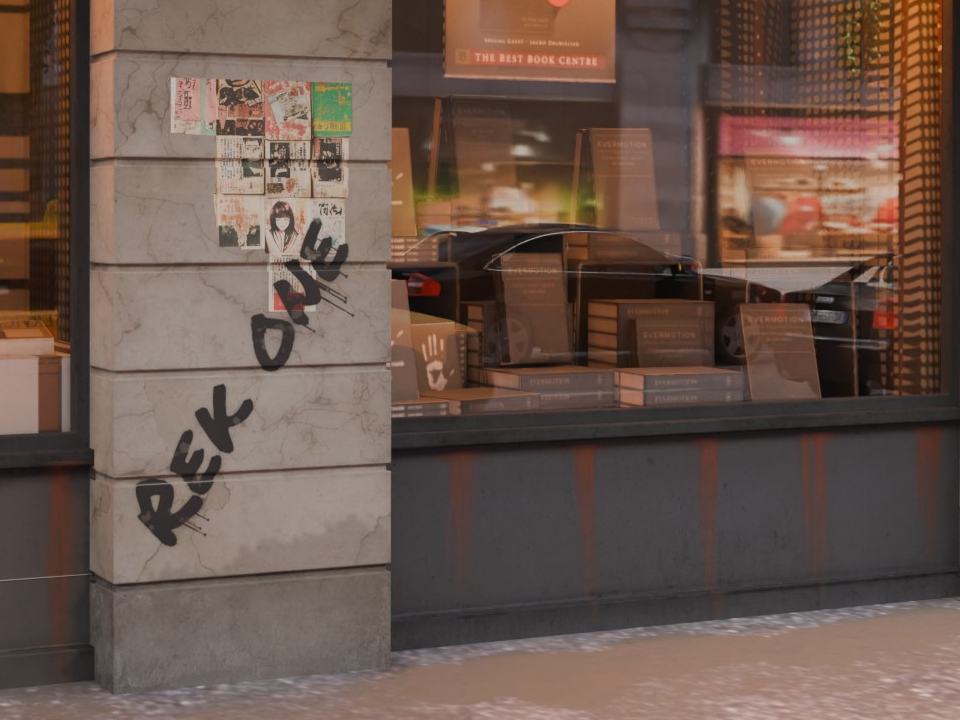
Dirt: automatic in materials or painted with a brush wherever you want, in three types (even, ragged, patchy), the same in the view and in the render.
Volumetric: clouds, smoke, fog banks, steam, dust and fire inside any model.
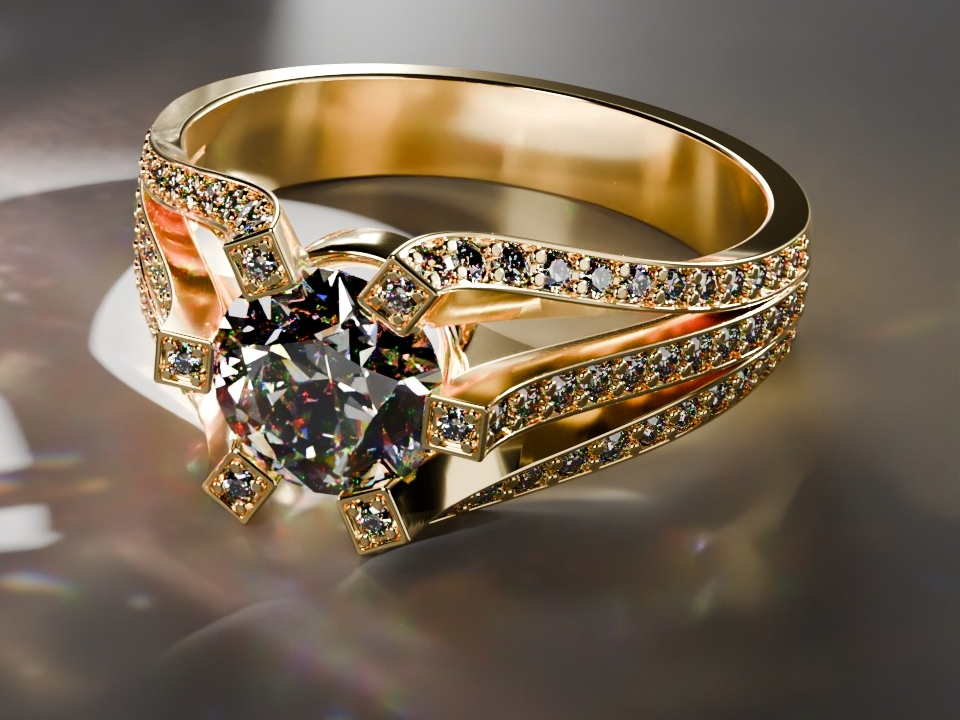
Glass and gems with dispersion and sharp caustics.
Maps generated in one click: normal and height from the photo, double resolution, roughness with worn edges.
"Fit to object" projects an image onto the silhouette, even across several pieces; "Break the repetition" removes the tiling effect from large surfaces.
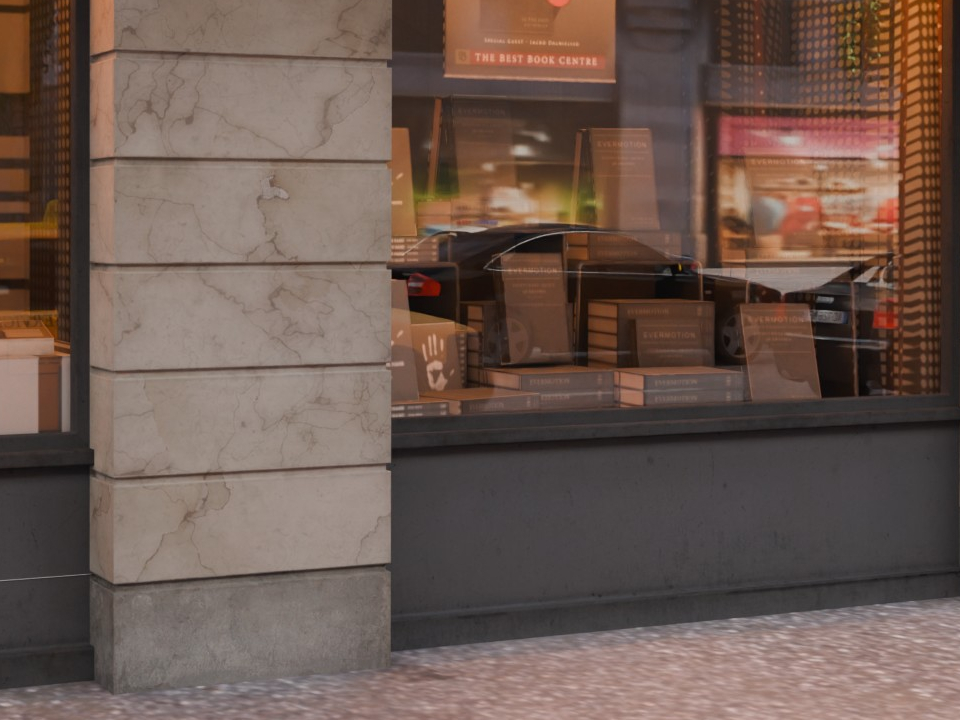
Project posters and graffiti onto the stone with decals, then use the brush to paint dirt where it collects. The two crops show the same framing, with rust streaks visible beneath the windows.
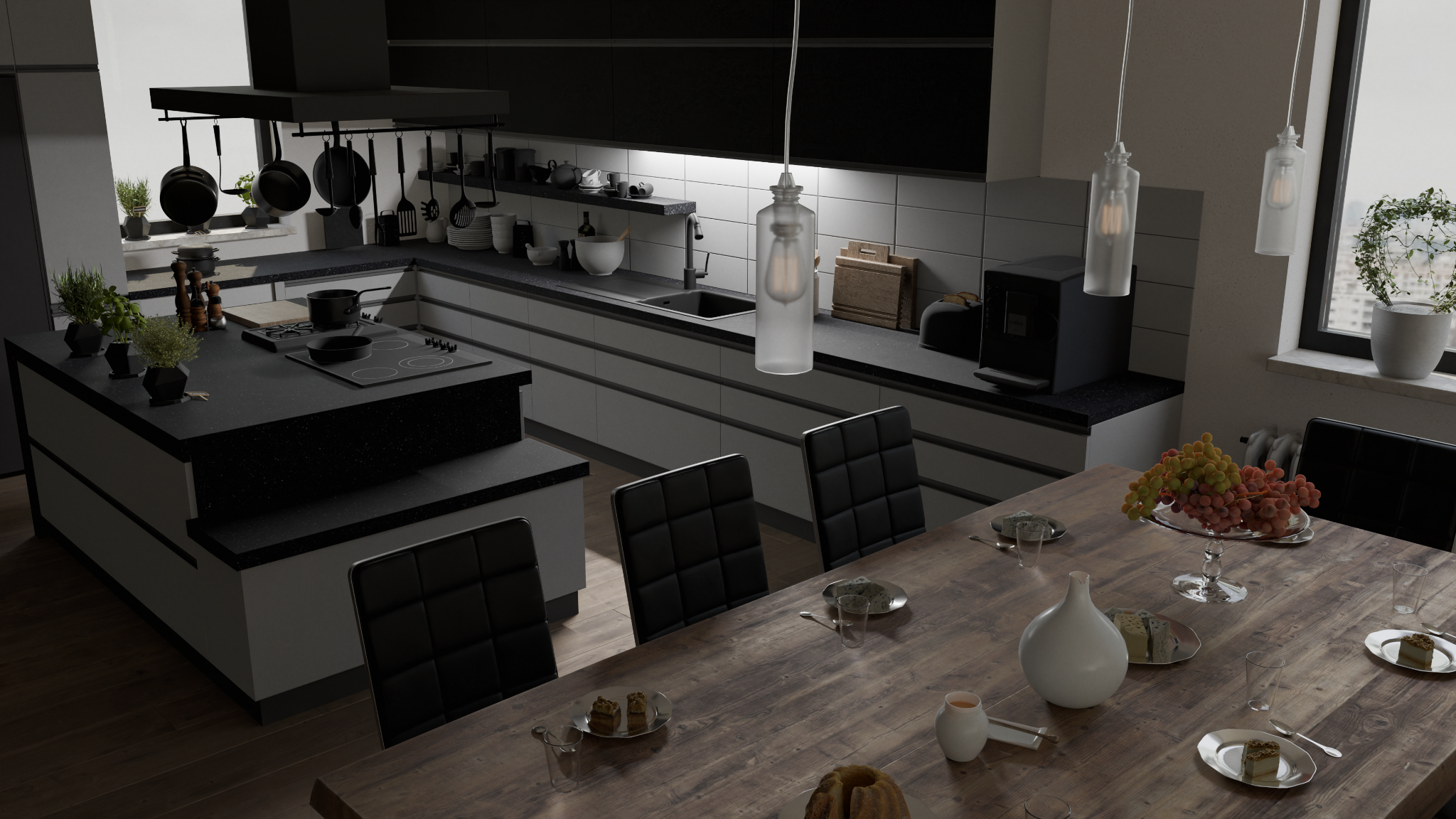
Volumetric materials give smoke a density that changes through the plume beside the exhaust. On the ring, dispersion splits light into colours as it passes through the gemstone, creating coloured highlights among the facets.
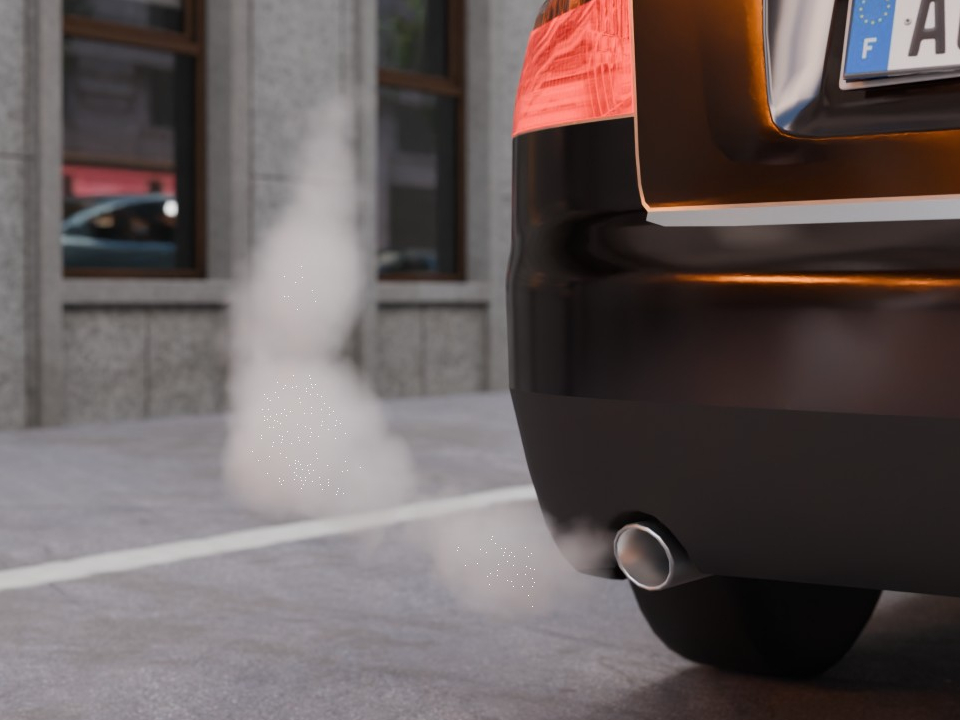
Create smoke, mist and clouds with a material that fills the object’s volume. Density, colour and the way light passes through it shape the result: from a soft, transparent haze to a dense, illuminated cloud.

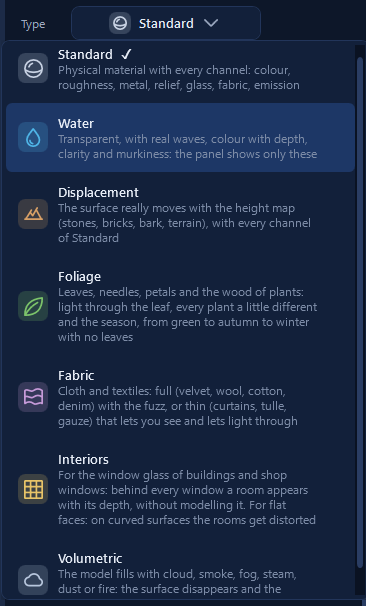
Choose from Standard, Water, Displacement, Foliage, Fabric, Interiors and Volumetric. Each type shows its own controls. Use Interiors to give windows the depth of a room with Parallax Rooms.
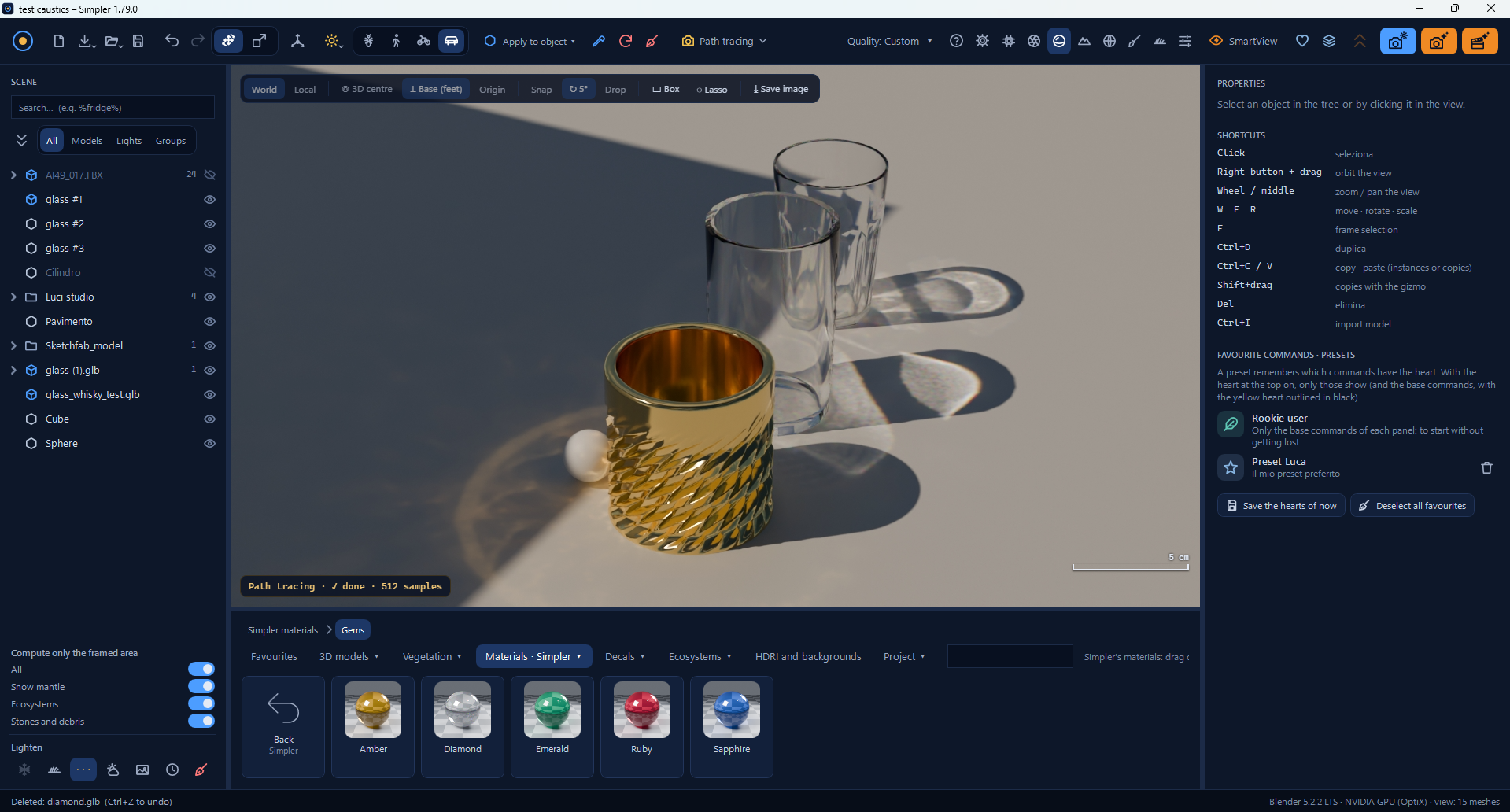
Cycles calculates reflected and refracted light, producing caustic patterns around the metallic cup and through the glass tumblers. The full Simpler interface also shows the scene objects and the library of gemstone materials.