simpler
For the joy
of making images.
A personal project by Luca Rodolfi.
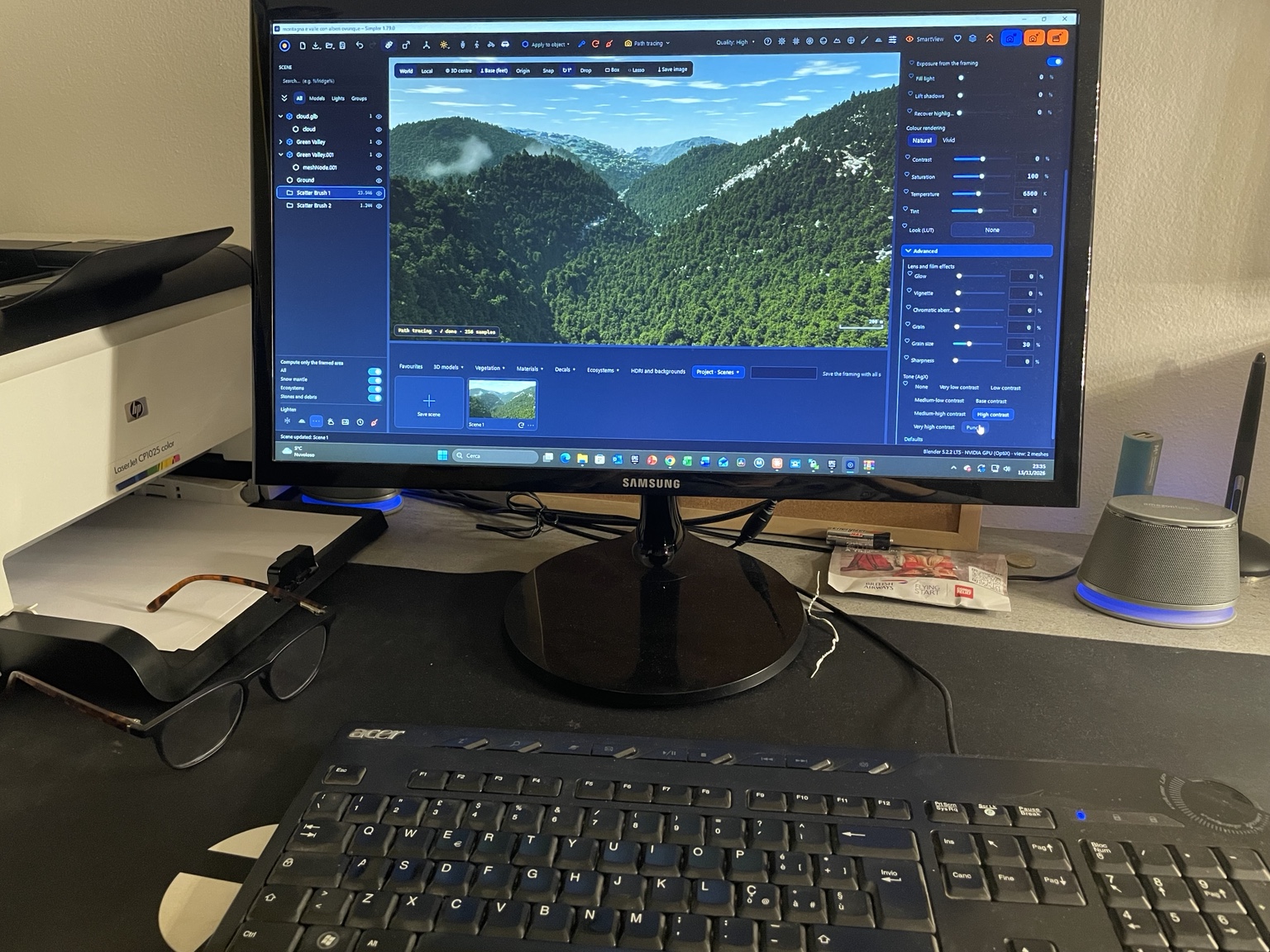
I created Simpler because I wanted Blender’s rendering quality without having to master such a broad toolset. Blender is remarkable for everything it lets you do, but learning your way around thousands of features takes time, even when all you want is to turn a 3D model into an image.
Software for still and real-time 3D visualisation showed a more direct way to work. I drew on those interfaces when designing Simpler. Import your model, build a scene with materials and assets from the library, then adjust the lighting, weather and framing. When you’re ready to render, Simpler uses Cycles, Blender’s rendering engine.
AI is now part of how many people create 3D images. I included it as an option for anyone who wants to use it, for example to bring a still render to life. You decide whether and when to use it.
Simpler is free, open source and available for Windows.
— Luca Rodolfi
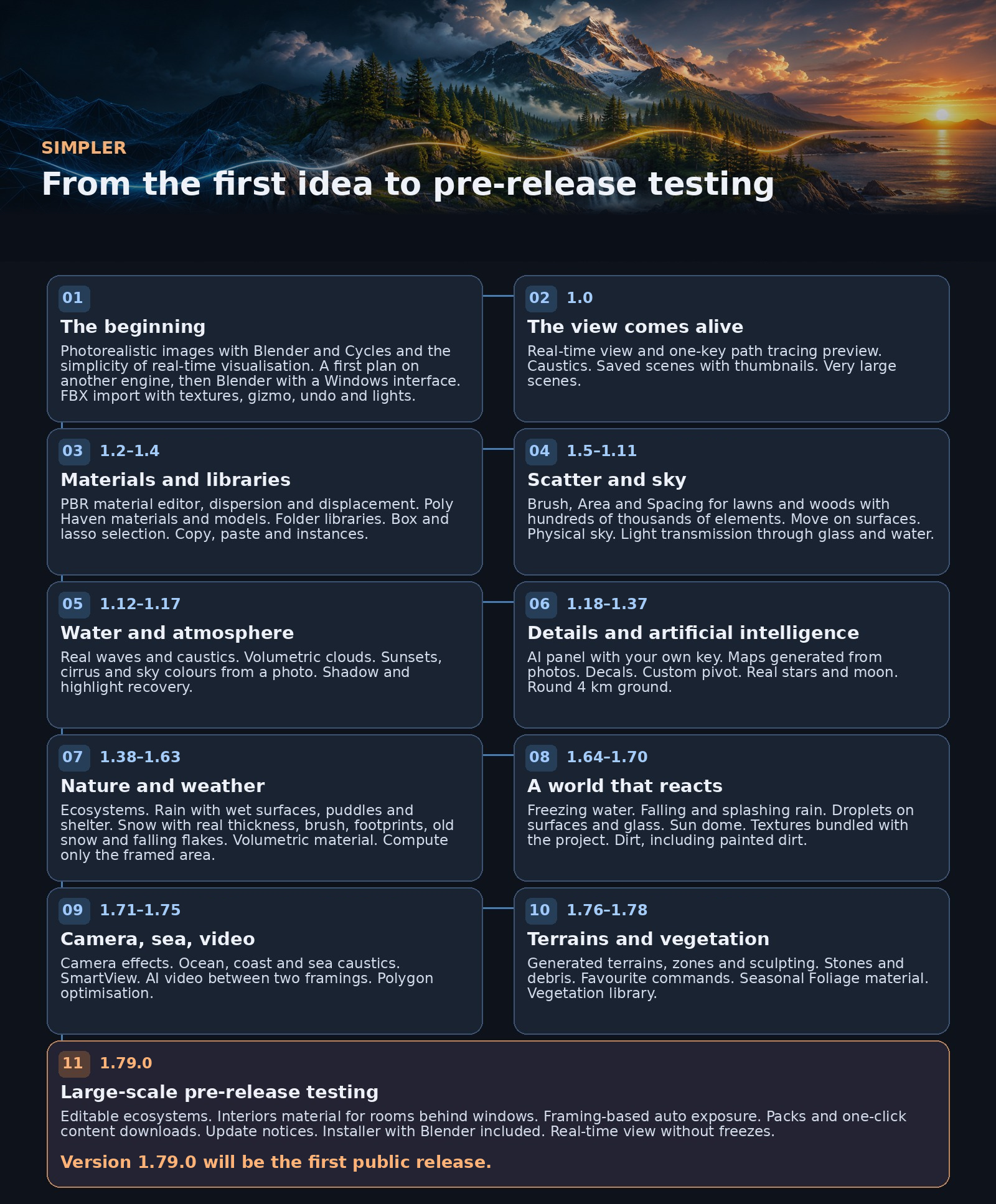
From the first idea to pre-release testing
Read all milestones
- The beginning
Photorealistic images with Blender and Cycles and the simplicity of real-time visualisation. A first plan on another engine, then Blender with a Windows interface. FBX import with textures, gizmo, undo and lights.
- 1.0 · The view comes alive
Real-time view and one-key path tracing preview. Caustics. Saved scenes with thumbnails. Very large scenes.
- 1.2–1.4 · Materials and libraries
PBR material editor, dispersion and displacement. Poly Haven materials and models. Folder libraries. Box and lasso selection. Copy, paste and instances.
- 1.5–1.11 · Scatter and sky
Brush, Area and Spacing for lawns and woods with hundreds of thousands of elements. Move on surfaces. Physical sky. Light transmission through glass and water.
- 1.12–1.17 · Water and atmosphere
Real waves and caustics. Volumetric clouds. Sunsets, cirrus and sky colours from a photo. Shadow and highlight recovery.
- 1.18–1.37 · Details and artificial intelligence
AI panel with your own key. Maps generated from photos. Decals. Custom pivot. Real stars and moon. Round 4 km ground.
- 1.38–1.63 · Nature and weather
Ecosystems. Rain with wet surfaces, puddles and shelter. Snow with real thickness, brush, footprints, old snow and falling flakes. Volumetric material. Compute only the framed area.
- 1.64–1.70 · A world that reacts
Freezing water. Falling and splashing rain. Droplets on surfaces and glass. Sun dome. Textures bundled with the project. Dirt, including painted dirt.
- 1.71–1.75 · Camera, sea, video
Camera effects. Ocean, coast and sea caustics. SmartView. AI video between two framings. Polygon optimisation.
- 1.76–1.78 · Terrains and vegetation
Generated terrains, zones and sculpting. Stones and debris. Favourite commands. Seasonal Foliage material. Vegetation library.
- 1.79.0 · Large-scale pre-release testing
Editable ecosystems. Interiors material for rooms behind windows. Framing-based auto exposure. Packs and one-click content downloads. Update notices. Installer with Blender included. Real-time view without freezes.
Version 1.79.0 will be the first public release.
Fewer obstacles.
More room for ideas.
Clear panels, explained controls and performance tested on real scenes. Complexity stays behind the scenes; image quality comes first.