 simpler
Instant atmosphere.
Ready-made environments: Dawn, Morning, Full day, Afternoon, Golden hour, Sunset, Twilight, Overcast, Fog, Night, Studio, HDRI.
Start from an atmosphere preset or drag the sun across the sky to see light and shadows change in the viewport. Add layers of volumetric clouds and haze, or use the colours of a photograph as a starting point for the sky.
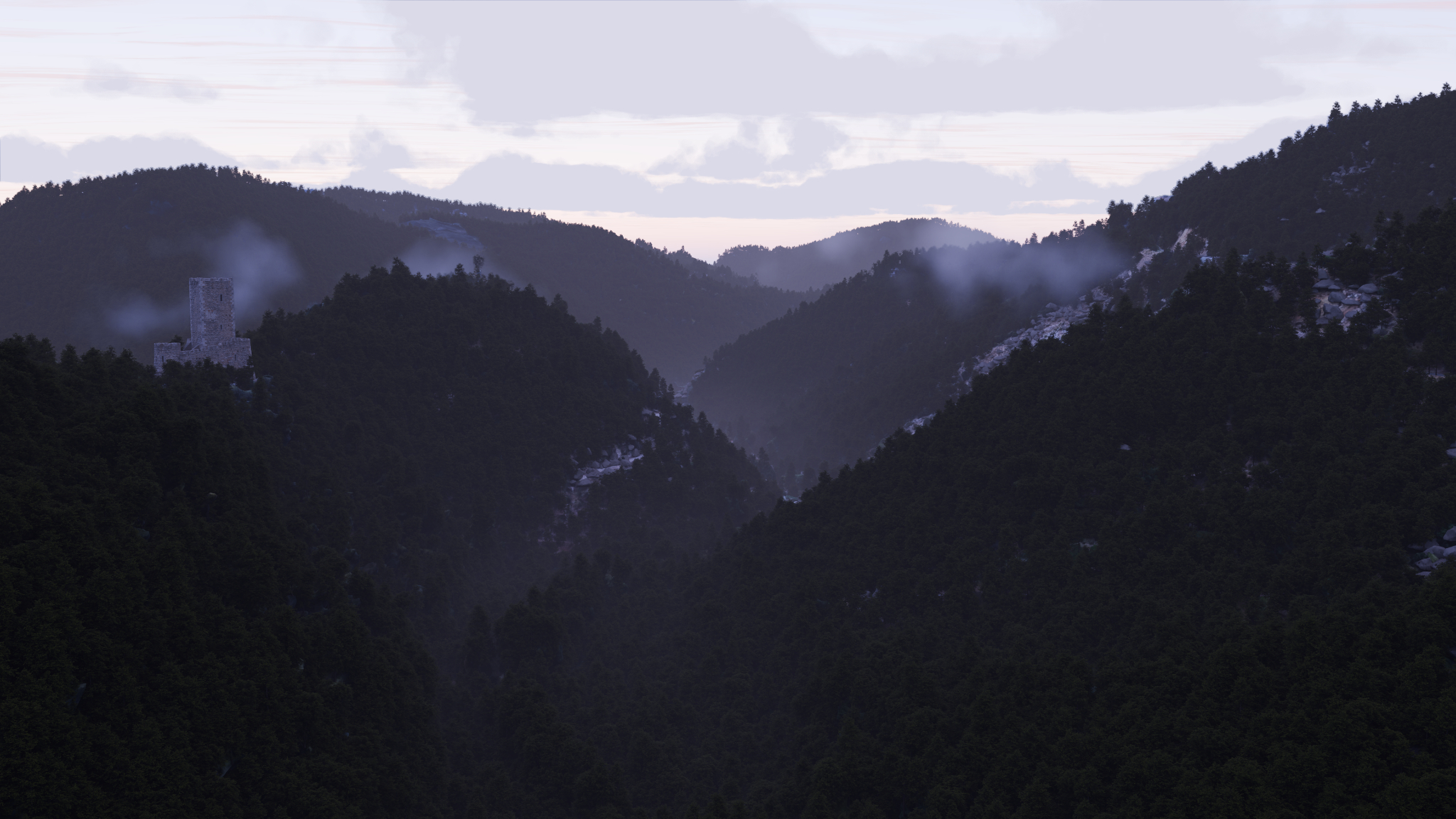
Ready-made environments: Dawn, Morning, Full day, Afternoon, Golden hour, Sunset, Twilight, Overcast, Fog, Night, Studio, HDRI.
Sun dome: drag the sun wherever you want it in the sky, time and north follow, light and shadows move instantly.
Real volumetric clouds in six types, with silver linings against the sun and their base lit at sunset; a second layer for overcast skies; cirrus that stays pink after sunset.
Sky colours from a photo: pick a photo and Simpler finds the physical sky closest to its colours.
Night: NASA's real stars with the Milky Way, in the right place for location, day and hour; the real Moon with its phase, size and halo.
"Dusk to dawn" lights: street lamps, windows and signs switch on by themselves when the sun goes down, even those spread with Scatter and even in the real-time view.
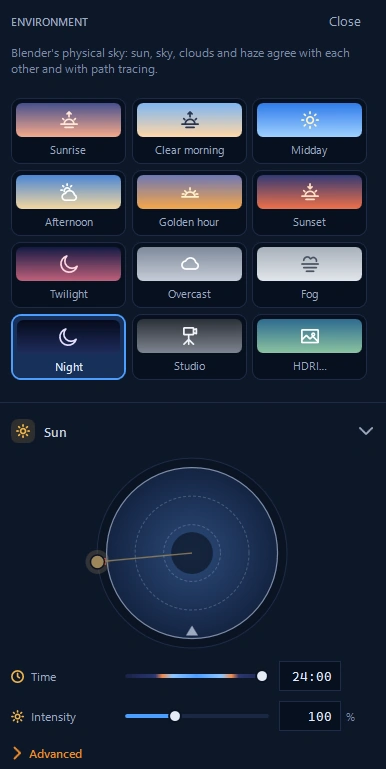
Choose a ready-made atmosphere or drag the sun across the dome. Time, orientation and shadows follow your gesture.
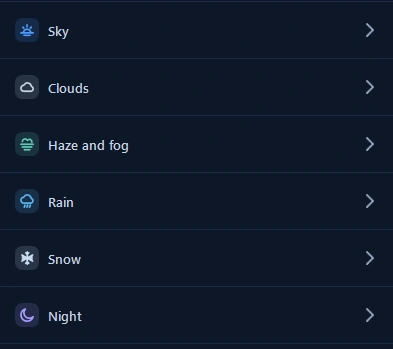
Sky, clouds, haze, rain, snow and night: open just the group you need. Everything else stays neatly tucked away.
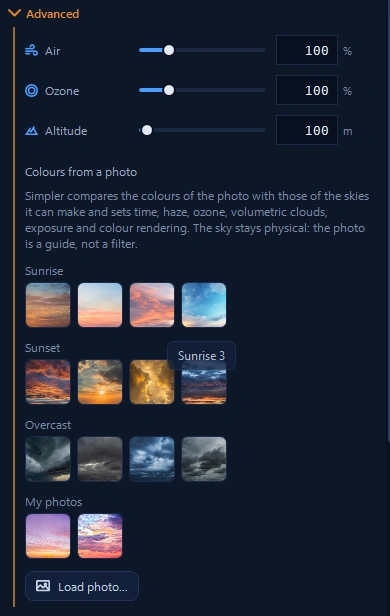
Load your own photo to find a physical sky close to its colours. Go further with air, ozone and altitude in the advanced settings.