 simpler
Welcome to Simpler
Knowledge walks you through Simpler one step at a time. It does not just list the commands: it tells you what each one is for, when you will want it and what happens when you click it. You do not need to know Blender, and you do not need to read it all at once.
What Simpler is#
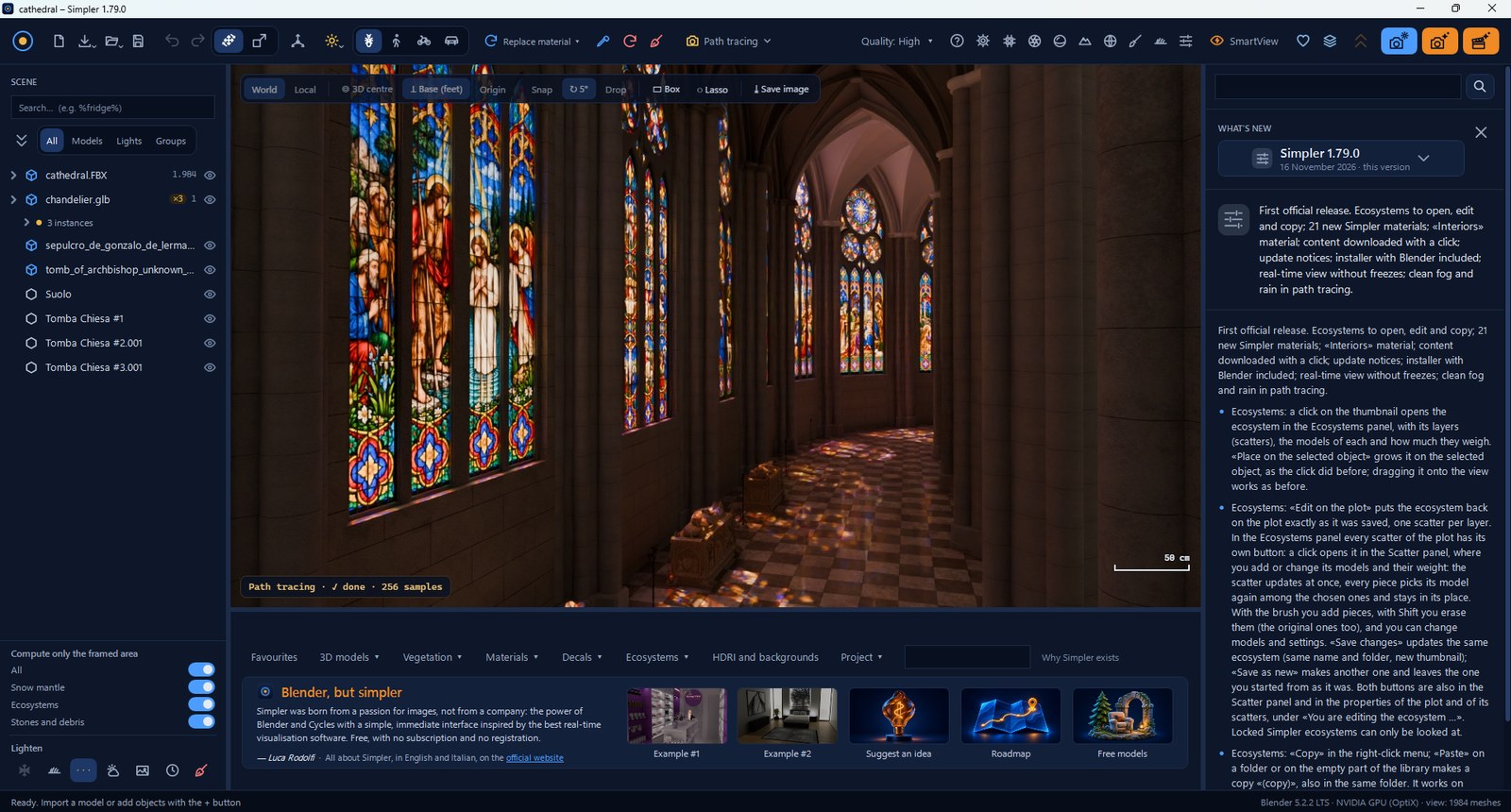
Simpler is a Windows program for making still images of the highest realism: a house before it is built, a room with new furniture, a landscape at sunset, a product on a table. Inside it uses Blender and its path-tracing engine Cycles, the same physical simulation of light used in films. You get that power without Blender's complexity: panels with clear names, sliders with units you understand (metres, degrees, hours of the day), and a short explanation under almost every command.
The way of working is always the same and quickly becomes natural. You build the scene in a real-time view, fast and fluid like a video game, where you move around, place objects and try materials. When you want to see the real photograph, you switch to path tracing and watch the light being computed, pass after pass. When the picture is right, you make the final render at the size you need: a web image, a 4K wallpaper, an A4 print.
Simpler is free and open source (GNU GPL v3 or later). There is no account, no subscription, and nothing leaves your computer without your consent.
How to read Knowledge#
The chapters follow the order in which a project usually grows. If you are new, read the first four in order: in an hour you will know your way around. After that, open a chapter when you need it, or use the Search Knowledge box: type «snow», «glass» or «render» and jump straight to the right paragraph.
Three ideas that make everything easier#
The first is that Simpler shows you the essentials first. Every panel opens with the few commands you need most of the time; the finer ones wait under Advanced, a blue bar you open only when you are curious or need precision. If a panel ever looks crowded, the Rookie user preset hides everything except the basic commands.
The second is that real time is for composing, path tracing is for judging. The real-time view is built for speed, so its shadows, reflections and glass are approximations. Do not tune a light or a glass in real time: look at it in Path tracing, which is what your final image will be.
The third is that the model decides. When you change a material on an imported model, you change only that model, even if another model happens to have a material with the same name. Your experiments never spill over into the rest of the scene, and with Add as new… you can keep the version you like in your library.
Press / on any page of Knowledge to jump to the search box.